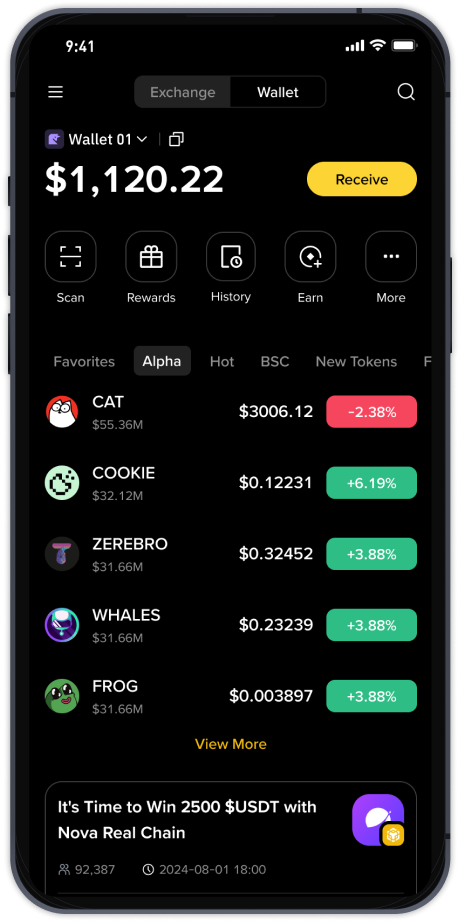
Binance Fiat Exchange: A Simple Step-by-Step Guide to Buying Crypto With Fiat Currency
When you first log into Binance, the interface can seem overwhelming. Between spot trading, futures, and the Binance Earn section, knowing where to start is the biggest challenge. However, the most common entry point for new users is the Binance Fiat Exchange. This is the section specifically designed for buying cryptocurrency using traditional money, such as USD, EUR, GBP, or even Brazilian Real. Understanding its layout and functionality is critical for making your first purchase smoothly.
First, you need to understand where the fiat exchange lives inside the platform. On the Binance homepage or mobile app, look for the "Buy Crypto" button. This is the gateway. Clicking on it gives you two primary paths: "Credit/Debit Card" and "Bank Deposit." The fiat exchange primarily operates through the "Bank Deposit" route, although the card option also uses fiat currency. The key difference is speed and cost. Credit card purchases are instant but come with higher fees, while bank transfers are cheaper but can take 1-3 business days depending on your region.
To use the fiat exchange effectively, you must first complete the Identity Verification (KYC). Without this, you cannot deposit fiat or trade with it. Once verified, navigate to "Wallet" > "Fiat and Spot." Here, you will see a "Deposit" button. Select your fiat currency (e.g., USD). Binance will show you the available payment methods. For most users, "Bank Transfer (SWIFT)" or "SEPA" (for Europe) is the cheapest option. You will receive a reference code and bank account details specific to your Binance account. You must use this exact reference code when sending money from your bank; otherwise, the deposit may not be credited.
After funding your fiat wallet, the actual exchange process begins. Go to the "Markets" section and filter by "FIAT" pairs (e.g., BTC/USD or ETH/EUR). This is not the same as the "Classic" spot market. The fiat exchange interface is simpler. You will see two main types of orders: "Convert" and "Trade." For beginners, the "Convert" tool is the easiest. You enter how much fiat you want to spend, and Binance instantly gives you a quote for how much crypto you will receive. This is a market order structure, so the price is the current market rate plus a small spread.
For more experienced users, the "Trade" option on the fiat exchange allows you to set a limit order. For example, you can say "I want to buy Bitcoin only if the price drops to $30,000." You place this order using your fiat balance, and it sits on the order book until the price hits your target. This is more capital-efficient but requires patience. Remember, the fiat wallet balance acts as your trading capital here. You do not need to convert your dollars to USDT first; you can directly buy BTC with USD.
One critical detail users often miss is the latency of funds. If you sell crypto back into fiat on the fiat exchange, the proceeds go back to your fiat wallet as cash. You cannot instantly withdraw this cash to your bank account. There is often a holding period (sometimes 24-48 hours) before the withdrawal becomes available. This is a standard anti-money laundering measure. Always check the "Withdrawal" section of your fiat wallet to see the exact availability time before you plan your cash out.
Lastly, be aware of the "P2P Trading" feature on Binance. While not a direct part of the fiat exchange, it is an alternative method to acquire crypto with fiat. The fiat exchange (bank deposit method) deals directly with Binance as the counterparty. P2P trades directly with other users. The fiat exchange is safer for beginners due to Binance’s insurance and protection policies, while P2P often offers slightly better exchange rates but carries more counterparty risk. For most first-time buyers, using the official Binance fiat exchange with a bank transfer remains the most reliable and secure method.